Your skin, on routine.

Your Personal Skincare Companion — build routines, track products, and watch your skin improve.

products in our registry
Freeforever — no ads, no catch
iOS & Androidone routine, everywhere
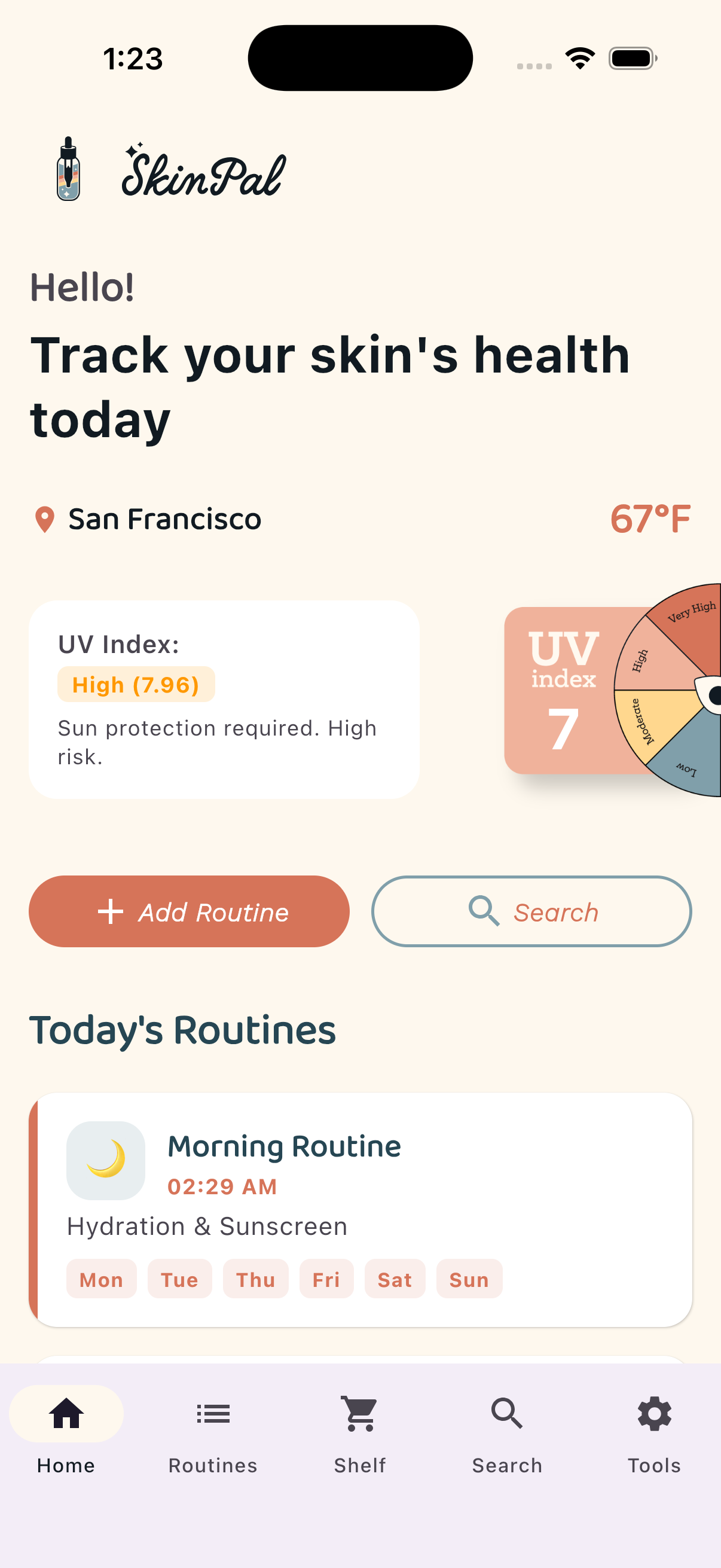
SkinPal app screenshot
1

Download SkinPal

Free on Google Play and the App Store. Sign in with Google or Apple.

2

Build your routine

Create morning and evening routines, attach your products, and turn on reminders.

3

Track your skin

Log products, keep a diary, and check weather & UV so your routine adapts.

See SkinPal in action

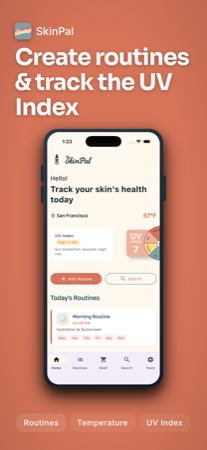
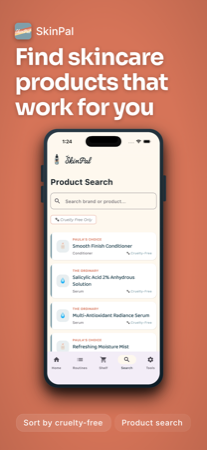
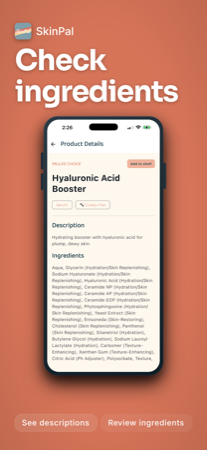
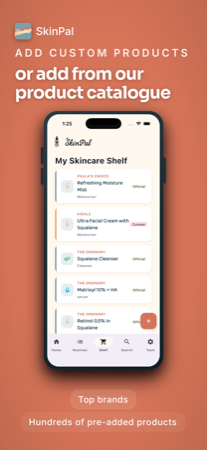
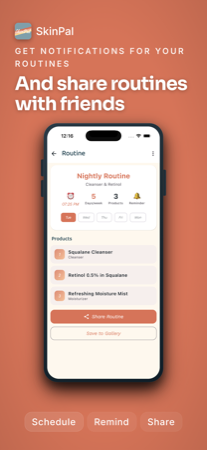
Your skin, your way Create routines and track the UV index Find skincare products that work for you Check ingredients Add products from our catalogue Share routines with friends

Features

🧴 Skincare Routines

Create and manage daily routines with step-by-step guidance. Set reminders so you never miss a step.

🛒 Virtual Cabinet

Keep track of every product in your collection. Log brands, types, and build your perfect shelf.

☀️ Weather & UV Index

Check local temperature and UV levels so you can plan sun protection accordingly.

🔍 Product Search

Search our product registry to find reviews and add products to your shelf.

📔 Skincare Diary

Log daily notes about how your skin feels, what products you used, and track progress.

From the Blog

🌅 AM vs PM Routine
Why morning and evening skincare differ — and how to order your steps.
☀️ Understanding the UV Index
What the numbers mean and when you really need sun protection.
🧪 Ingredients, Explained
A beginner-friendly look at the most common skincare ingredients.

FAQ

Is SkinPal really free?

Yes. SkinPal is free to download and use — no ads, no subscription, no paywalls. We're supported by affiliate links on some product listings, which never costs you anything extra.

Do I need an account?

Yes — sign in with Google or Apple. Your routines, shelf, and progress sync securely across your devices, and reminders keep working even after you switch phones.

Is my data sold to third parties?

No. Your data is yours. We use it only to run and improve the app — never sold or shared for advertising. See our Privacy Policy for the full details.

What is the product registry?

It's our curated catalogue of skincare products. Each entry includes brand, type, and ingredients — and you can add anything straight to your shelf.

How do reminders work?

When you create a routine, pick a time and enable notifications. SkinPal sends a push notification when it's time for your routine — morning, evening, or any schedule you set.

Can I delete my data?

Yes. You can delete products, routines, and notes anytime in the app. You can permanently delete your entire account from the Tools tab in the app.


Download on App Store Download on Google Play